Renew sciebo-cccount
Learn how to renew you sciebo-account
To renew your account, please follow these instructions:
- Click on the homepage of sciebo on „My.Sciebo“.

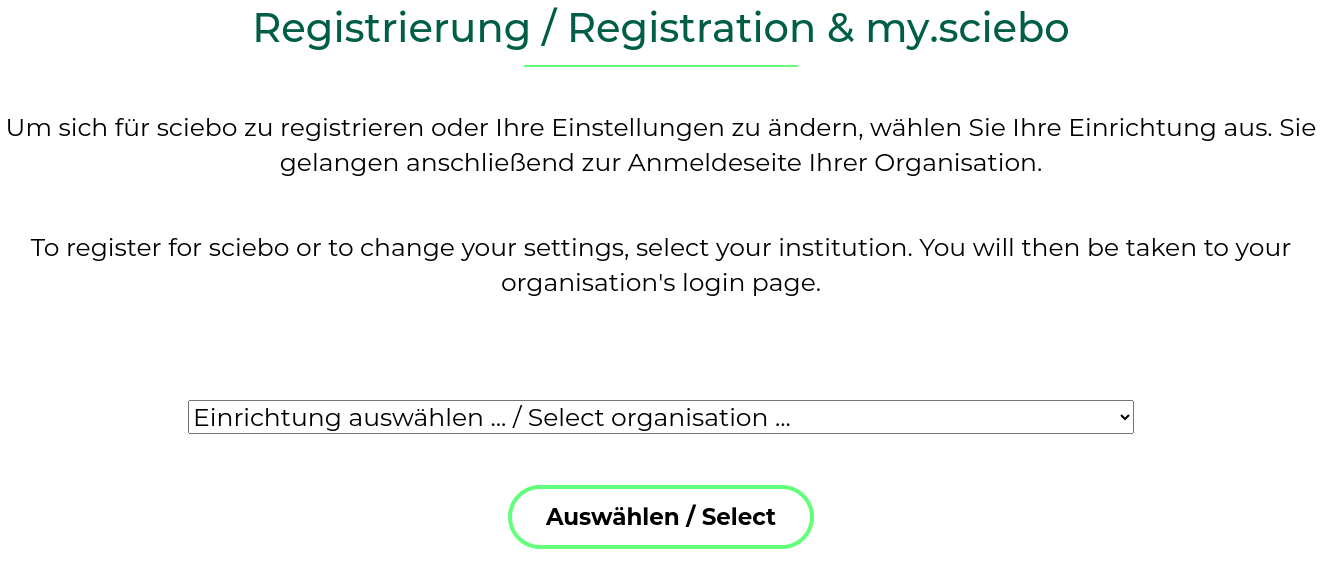
2.On the next page you will find a dropdown menu. Select your institution from there and click on “Auswählen/Select”.
- You will be redirected to the Shibboleth login page of your institution. Please enter your username and password that you use for your academic services there and click on “Login”.
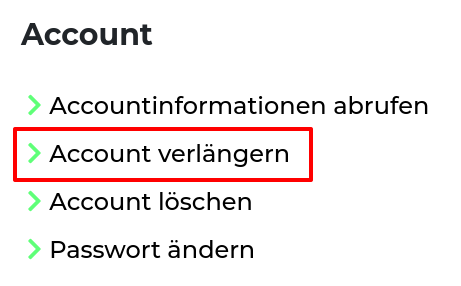
- Next, you will be taken to the My.Sciebo portal, where you can renew your account. To do so, click on “Renew Account.”
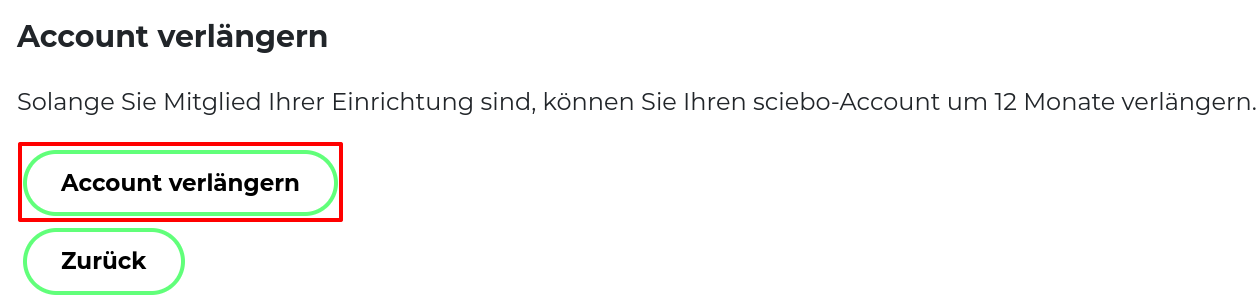
- Confirm by tapping the “Renew Account” button.