Client Logs
You can try to find errors yourself!
Client Logs
When the client throws errors, it is often helpful to send logs to support, which may provide more insight into what exactly went wrong.
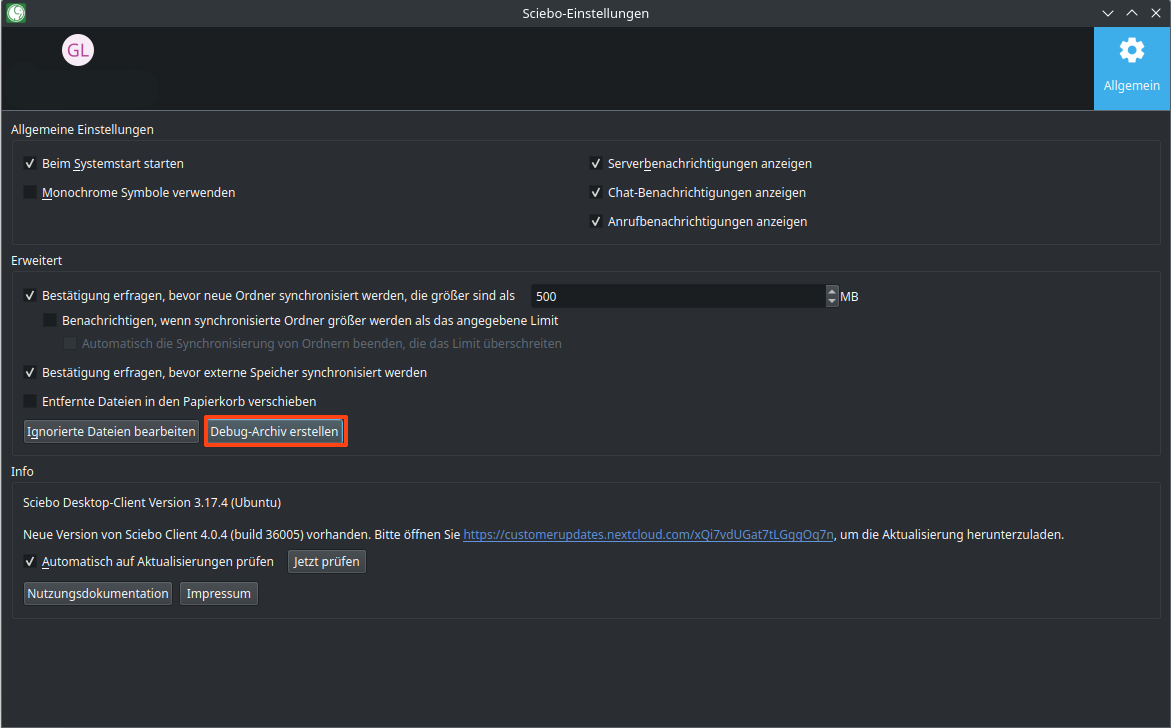
Debug logging is enabled by default, with an expiration time of 24 hours. To create a debug archive, go to the client settings and click ‘Create debug archive…’.
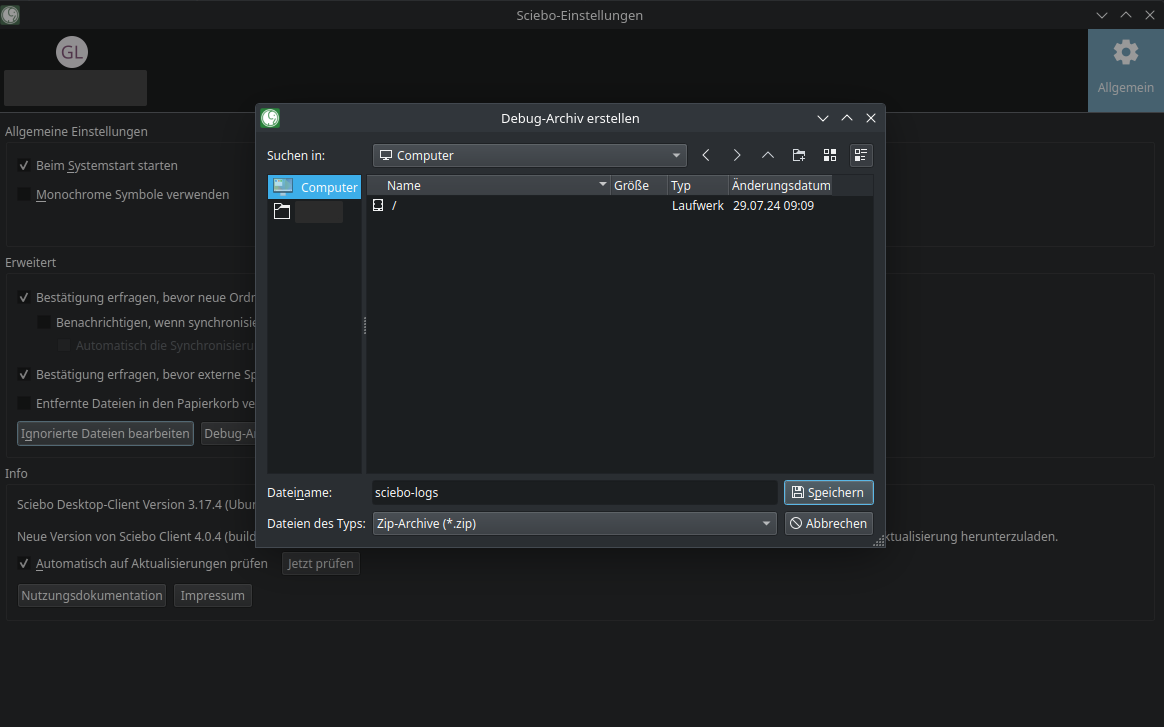
You will be asked to select the location where the desktop client will export the logs and database as a zip file. Enter an archive name to activate the Save button.